Working From Home in Cobb, Cherokee, or North Fulton? Wire Your Home Office for Reliable Video Calls

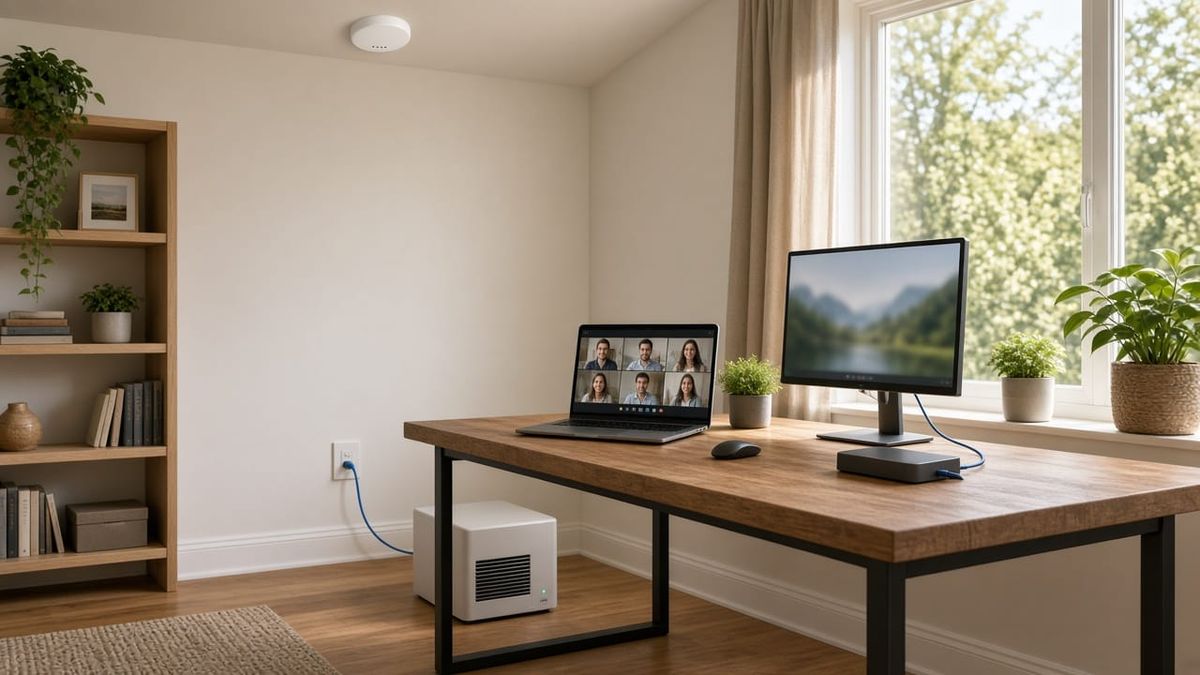
If you work from home around Marietta, Woodstock, Roswell, or anywhere in Cobb, Cherokee, and North Fulton, you already know the moment: you're mid-sentence on a video call, your face freezes, and someone says, "I think we lost you."
Often the problem isn't your internet plan. It's how the signal gets from the router to your desk. A spare bedroom at the far end of the house, a bonus room over the garage, or a basement office can be a long way from where the provider installed the modem. Here's how we set up home offices so the network is the last thing you have to think about during the workday.
Signs Your Home Office Network Is Holding You Back
- Video calls freeze or drop even though a speed test looks fine
- Your VPN or work apps disconnect a few times a day
- Wi-Fi bars drop as soon as you close the office door
- Uploads crawl when you send large files or share your screen
- Everything slows down after school, when the rest of the house starts streaming and gaming
- A power blink knocks you offline for several minutes while the gear reboots
Hardwire the Desk First
For a computer that sits in the same spot every day, a wired Ethernet connection is the single biggest upgrade. A cable doesn't care about walls, doors, or how many devices are on the Wi-Fi. It gives your work computer a steady connection, which is what video calls and VPNs need most.
In finished homes, we run Ethernet through attics, crawl spaces, basements, and interior walls, then finish it with a clean wall jack near your desk. No cables taped along the baseboards. While we're running one line, it often makes sense to add a second for a dock, printer, or desk phone, and to run a line to a ceiling location for a Wi-Fi access point.
Put Wi-Fi Where You Actually Work
If your laptop moves around, or the office isn't the only place you take calls, Wi-Fi coverage matters too. A single router in the living room or a closet often can't reach a back bedroom or a room over the garage with a strong signal.
A few approaches that work well:
- Ceiling-mounted access points placed near where people actually use the network, instead of where the modem happens to be
- Wired connections back to the network for those access points, so they aren't sharing the airwaves to pass traffic along
- One network name throughout the house, so your devices move between access points without you having to reconnect
If you already have a mesh system, running a cable to one or more of the units is often the quickest way to make it noticeably more stable.
Keep Work and Home Traffic Apart
Your work laptop shares the network with phones, tablets, game consoles, smart TVs, and smart home devices. Separating them makes the network easier to manage and keeps your work devices away from gadgets that rarely get security updates.
Common setups include:
- A separate network for work devices, apart from the household network
- A guest network for visitors and smart home devices
- Traffic priority for video calls, so a 4K stream in the den doesn't win over your meeting
If your employer has rules for home networks, we can work with your IT department's requirements.
Plan for Power Blinks
Georgia storms can blink the power even when it doesn't go fully out. When the modem and router lose power, it can take several minutes for everything to come back online.
A small battery backup unit for your modem, router, and network switch can keep you connected through short outages, and give you time to finish a call or save your work during longer ones.
Building or Renovating? Wire It Now
If you're finishing a basement, converting a bonus room, or building a new home anywhere in Cobb, Cherokee, or Fulton, it's the best time to run network cabling. Walls are open, so adding Ethernet to the office, the TV locations, and ceiling spots for access points and cameras is faster and cleaner. You can see our home network checkup guide for a broader look at whole-home networks.
Get Your Home Office Wired by AlphaLVC
AlphaLVC is a local, licensed low-voltage contractor (Georgia license LVU406567) serving homes and businesses across Metro Atlanta, including Acworth, Alpharetta, Atlanta, Brookhaven, Canton, Cartersville, Dunwoody, Johns Creek, Kennesaw, Mableton, Marietta, Roswell, Sandy Springs, Smyrna, and Woodstock. We run network cabling in finished homes, place and install Wi-Fi access points, and set up clean, labeled network gear that's easy to live with.
Call or text 470-295-5382 or email info@alphalvc.com to schedule a home office network visit. You can also visit alphalvc.com.