Is Your Metro Atlanta Home Network Ready for Cameras, Smart Locks, and Streaming?
Buffering TVs, offline cameras, or a smart lock that drops? A practical home network checkup for Metro Atlanta homes.

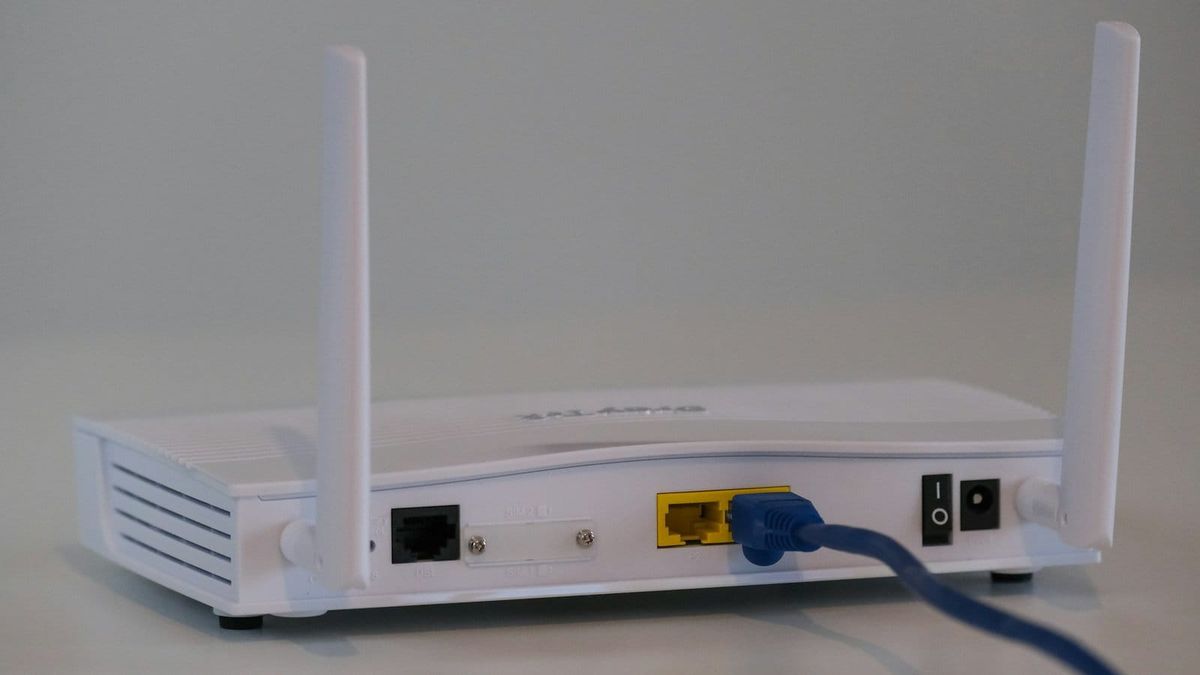
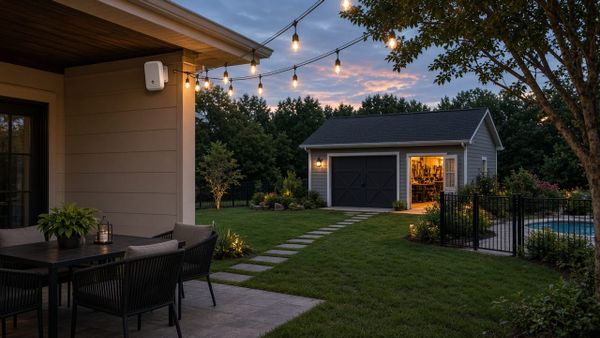
Most homes in Marietta, Kennesaw, and Alpharetta did not start out with many connected devices. Then came the smart TVs, the video doorbell, a few security cameras, a smart lock, a thermostat, kids gaming upstairs, and someone working from home on video calls all day. The network that came with the internet plan was never designed for that load.
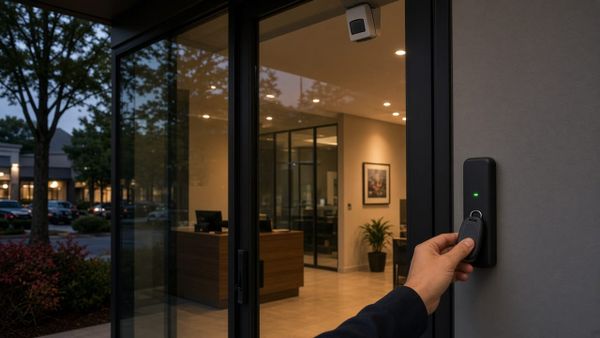
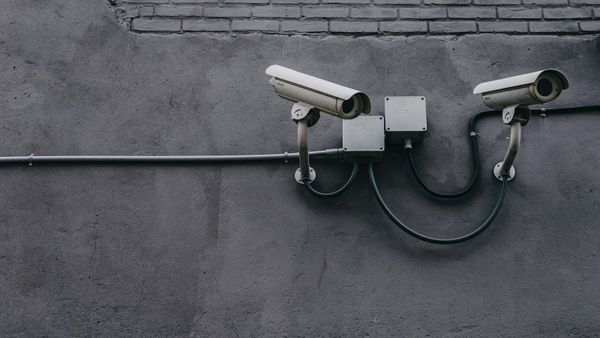
When the network struggles, it does not just mean a slow movie night. It can mean a camera that goes offline right when you need footage, or a door lock that will not respond from your phone. Here is a practical checkup to see whether your home network is ready, without getting lost in brand names.
Signs Your Network Is Holding You Back
You probably need more than a new password if you notice any of these:
- Streaming buffers in certain rooms but works fine near the router
- Cameras or doorbells show "offline" or drop recordings
- Video calls freeze in the home office or upstairs bedrooms
- Smart devices need to be re-paired every few weeks
- The router lives in a closet, a basement corner, or behind the TV
Each of these points to a coverage, capacity, or placement problem, and each one has a fix that does not involve buying the most expensive gadget in the store.
Placement Comes Before Equipment
The internet provider usually installs the modem wherever the cable enters the house. That spot is rarely the center of your living space. Wi-Fi signals weaken through brick, stone, tile, and the multiple floors common in Atlanta-area homes, so a router in a far corner leaves whole rooms with weak coverage.
Before adding hardware, we look at where the signal starts, where your heaviest users are, and what walls and floors sit in between. Sometimes the right fix is simply moving the main equipment to a central, ventilated location with a short cable run.
Wired Where It Counts
Wi-Fi is convenient, but a cable is still the most reliable connection you can give a device. Anything that does not move should be wired when practical:
- Smart TVs and streaming boxes in the main living areas
- Home office desks for steady video calls
- Gaming consoles where lag matters
- Wireless access points and mesh nodes, so they talk to each other over cable instead of sharing the air
That last one is a big deal. A mesh system with wired backhaul between nodes generally performs better than one where every node relays signal wirelessly. Running clean, concealed Ethernet to a few key spots often fixes more than any upgrade to the router itself.
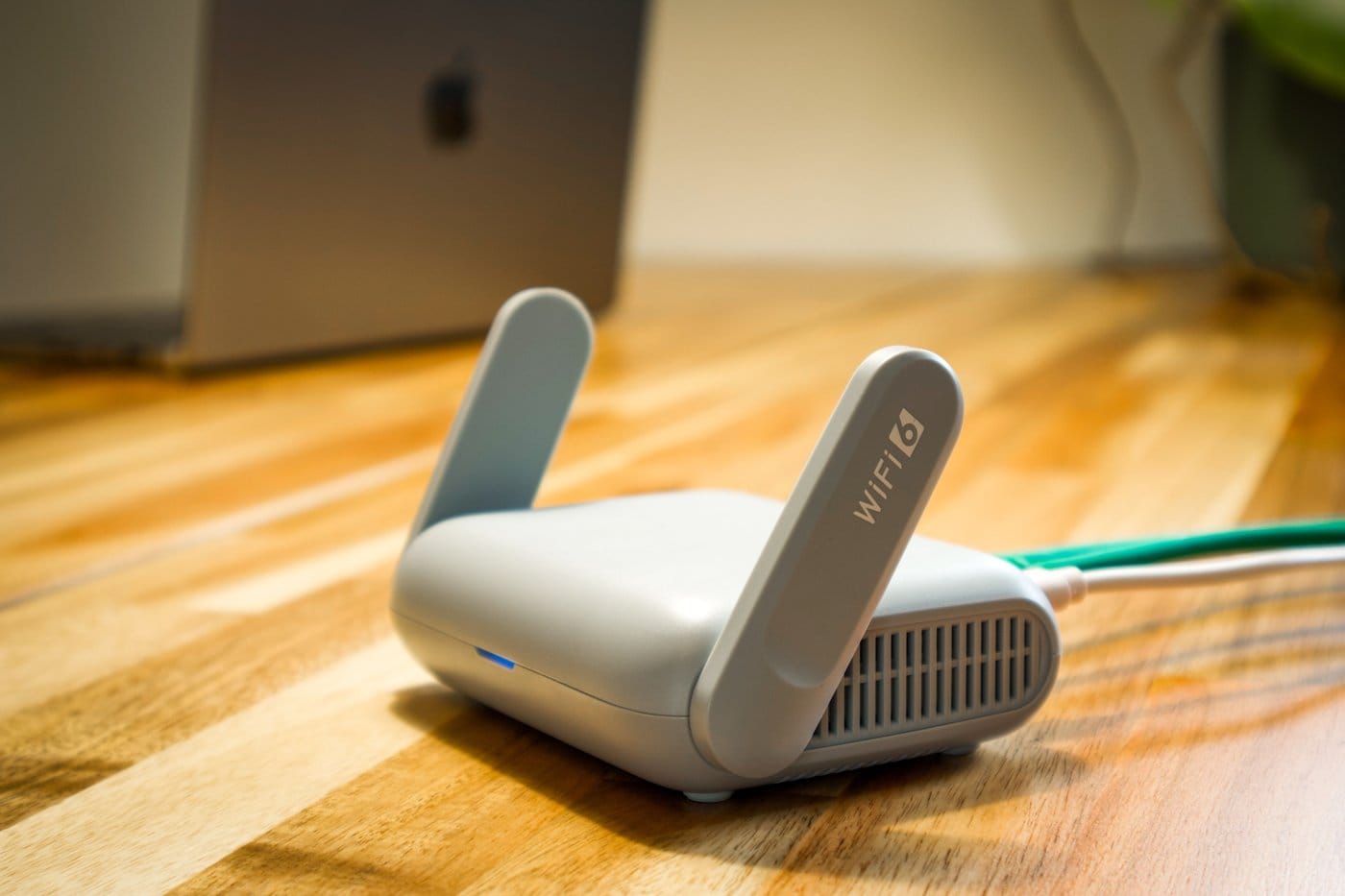
Access Points Instead of Extenders
Plug-in range extenders are the quick fix many people try first. They can help a single weak spot, but they often cut speed and create a separate network your phone keeps switching to.
A better approach for most homes is a set of mesh nodes or ceiling-mounted access points placed where people actually use their devices, all working as one seamless network. You walk from the kitchen to the back porch and your phone stays connected without you noticing.
PoE: One Cable for Power and Data
Power over Ethernet (PoE) sends power and data over a single network cable. A PoE switch in your network closet can power security cameras, ceiling access points, and some door readers without an outlet at each device.
For a security system, that matters. Wired PoE cameras are not competing for Wi-Fi with the TV and the kids' tablets, and when the switch is on a battery backup, cameras and access points can stay up through a short power blip.
Separate Networks for Guests and Smart Devices
Not every device needs to sit on the same network as your laptop and phone. A well-set-up system can give you:
- A main network for your own computers and phones
- A guest network so visitors get internet without access to your devices
- A separate network for smart home devices, keeping them apart from the computers that hold your personal and business files
This is simple to manage once it is set up, and it is one of the easiest ways to make a busy home network more organized and more secure.
A Clean Network Closet
A tangle of cables and power strips behind the TV is hard to troubleshoot and easy to knock loose. A tidy setup with a small rack or wall panel, a labeled patch panel, a switch, and a battery backup makes the whole system easier to maintain. When something goes wrong, you or your installer can tell what is plugged in where.
Small Business Networks Follow the Same Rules
The same checkup applies to offices, retail shops, and small warehouses around Smyrna, Sandy Springs, and Woodstock. Point-of-sale systems, cameras, door readers, and staff laptops all depend on the network. Wired connections for fixed equipment, properly placed access points, and a guest network that is separate from business systems go a long way toward fewer interruptions during working hours.
Get a Network Checkup From AlphaLVC
AlphaLVC is a local, licensed low-voltage contractor (Georgia license LVU406567) serving homes and businesses across Metro Atlanta, including Acworth, Alpharetta, Atlanta, Brookhaven, Canton, Cartersville, Dunwoody, Johns Creek, Kennesaw, Mableton, Marietta, Roswell, Sandy Springs, Smyrna, and Woodstock. We handle mesh Wi-Fi, PoE switching, dead-zone cleanup, and the wiring behind it, so your cameras, alarm panel, door readers, and streaming all stay online.
You work with the same licensed installer from walkthrough to completion, with a clear recommendation instead of a hard sell.
Call or text 470-295-5382 or email info@alphalvc.com to schedule your network assessment. You can also visit alphalvc.com.