Is One Cheap Smart Gadget Putting Your Whole Network at Risk? How to Separate Devices, Cameras and Guests

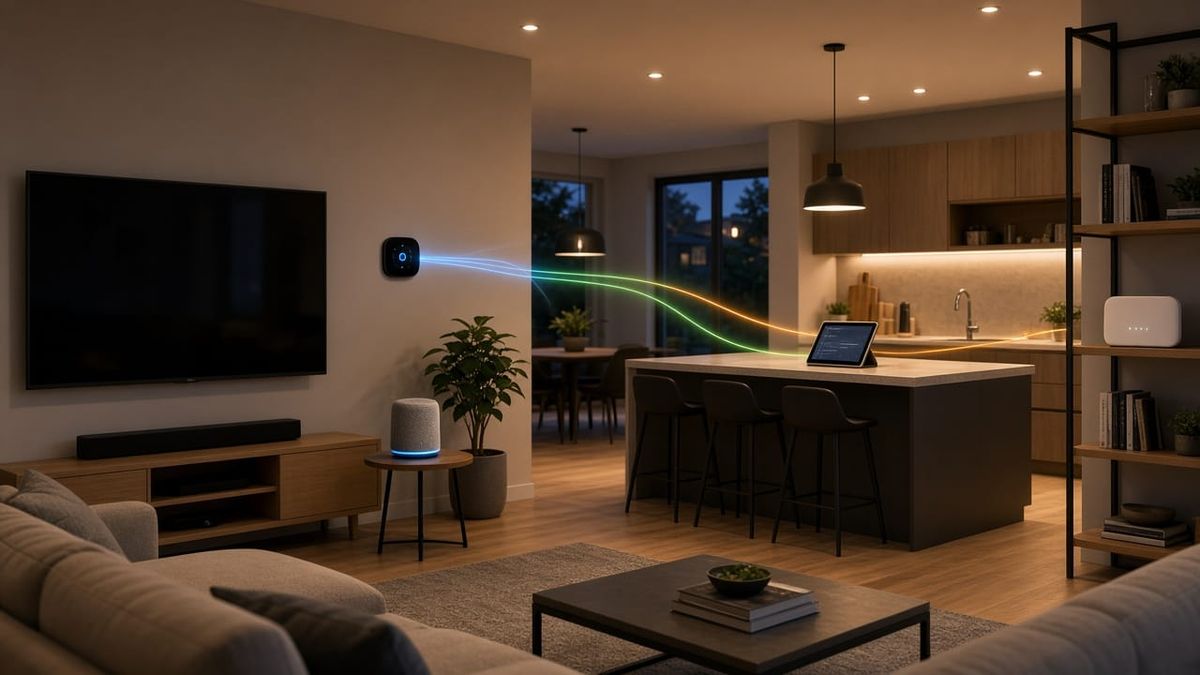
Count the devices on your Wi-Fi. Phones and laptops, sure, but also the smart TV, the speaker in the kitchen, the thermostat, a few plugs and bulbs, the robot vacuum, the doorbell, and maybe a handful of cameras. In many homes and small offices in Marietta, Kennesaw, Woodstock, Roswell, and Alpharetta, all of it shares one network with the computers that handle banking, payroll, and customer files.
That setup works until one of those devices has a problem. Splitting your network into separate lanes is one of the simplest ways to lower your risk, and it does not have to make anything harder to use.
Why One Flat Network Is a Risk
Smart-home gadgets are built to be cheap and easy to set up. Some get few security updates, and some stop getting updates entirely after a couple of years. On a single flat network, every device can usually see every other device. If one weak gadget is compromised, it can become a foothold to snoop on traffic or reach the computers and storage that matter most.
Separating devices does not make any single gadget more secure. It limits the damage. A compromised smart plug that can only talk to the internet is a nuisance. One that sits next to your office PC is a much bigger problem.
The Three Lanes Most Homes and Offices Need
1. Your main network
This is for the devices you trust and manage: your computers, phones, tablets, printers, and file storage. Keep this list short.
2. A smart-device (IoT) network
TVs, streaming boxes, speakers, thermostats, plugs, appliances, and similar gear go on their own network, often set up as a separate VLAN or a dedicated Wi-Fi name. These devices get internet access but cannot freely reach your main network. Most still work normally from your phone through their apps.
3. A guest network
Visitors, contractors, and customers in a waiting room get internet access and nothing else. Guest Wi-Fi should isolate devices from each other and from everything on your main network. It also means you never have to hand out your main Wi-Fi password.
Where Cameras Fit
Security cameras deserve special attention because they see inside and around your property. A good approach:
- Put cameras on their own network or VLAN, separate from both your computers and your other smart gadgets.
- Keep recorder traffic local. With a network video recorder (NVR), cameras send video to the recorder on site. Video does not need to leave the building unless you are viewing it remotely, and many cameras do not need direct internet access at all.
- Use secure remote viewing. Rather than opening ports on your router to reach the recorder, use the manufacturer's secure app or a properly configured remote access method.
- Prefer wired PoE cameras where you can. Power over Ethernet (PoE) cameras run power and data over one cable. They are not knocked offline by Wi-Fi interference, they do not crowd your wireless network with constant video, and they are harder to disrupt than cameras that depend on Wi-Fi.
Wi-Fi cameras still have a place where running cable is not practical. Just give them a strong signal and keep them off your main network.
Basic Habits That Matter Just as Much
Network separation works best alongside a few simple habits:
- Change the default router login. The admin username and password printed on the box or in the manual are often widely known. Change them on day one.
- Use strong, unique passwords. Every Wi-Fi network, camera, recorder, and app account should have its own password. A password manager makes this easy.
- Keep firmware updated. Update your router, access points, recorder, and cameras when updates are released. Turn on automatic updates where they are offered.
- Retire unsupported gear. If a device no longer gets security updates, plan to replace it, or at least keep it isolated.
- Turn off features you do not use, such as remote admin access on the router or automatic port opening.
Do You Need New Equipment?
Sometimes not. Many current routers and mesh systems offer a guest network, and some allow a separate smart-device network. True VLANs with rules between them usually call for business-grade routing, a managed switch, and access points that support multiple networks. That is common in small offices and growing in homes with lots of cameras and smart gear.
If you work from home, separating your work laptop from the family's devices is worth doing too. We covered more of that in our home office network guide.
Homes vs. Small Offices
At home, the goal is usually simple: keep the family's computers away from the pile of smart gadgets, give guests their own Wi-Fi, and keep cameras on a dedicated lane that records locally.
In a small office or shop in Smyrna, Canton, or Sandy Springs, the stakes are higher. Card terminals, office PCs, cameras, door readers, and customer Wi-Fi should not all share one network. Clear labeling in the closet helps too, so anyone can see which ports belong to which network. If your closet needs work first, see our network closet cleanup guide.
Get Your Network Separated the Right Way
AlphaLVC designs and installs structured Cat6 cabling, PoE switching, Wi-Fi, and camera systems with recorders, and we set up guest and device networks so everything has its own place. We are a local, licensed low-voltage contractor (Georgia license LVU406567) serving homes and businesses in Cobb, Cherokee, and Fulton counties, including Acworth, Alpharetta, Canton, Johns Creek, Kennesaw, Mableton, Marietta, Roswell, Sandy Springs, Smyrna, and Woodstock.
Call or text 470-295-5382 or email info@alphalvc.com. Tell us what is on your network, and we will help you sort it into safer lanes.