Who Can Actually Run the Music? Making Whole-Home Audio Easy for Everyone in Your Metro Atlanta Home

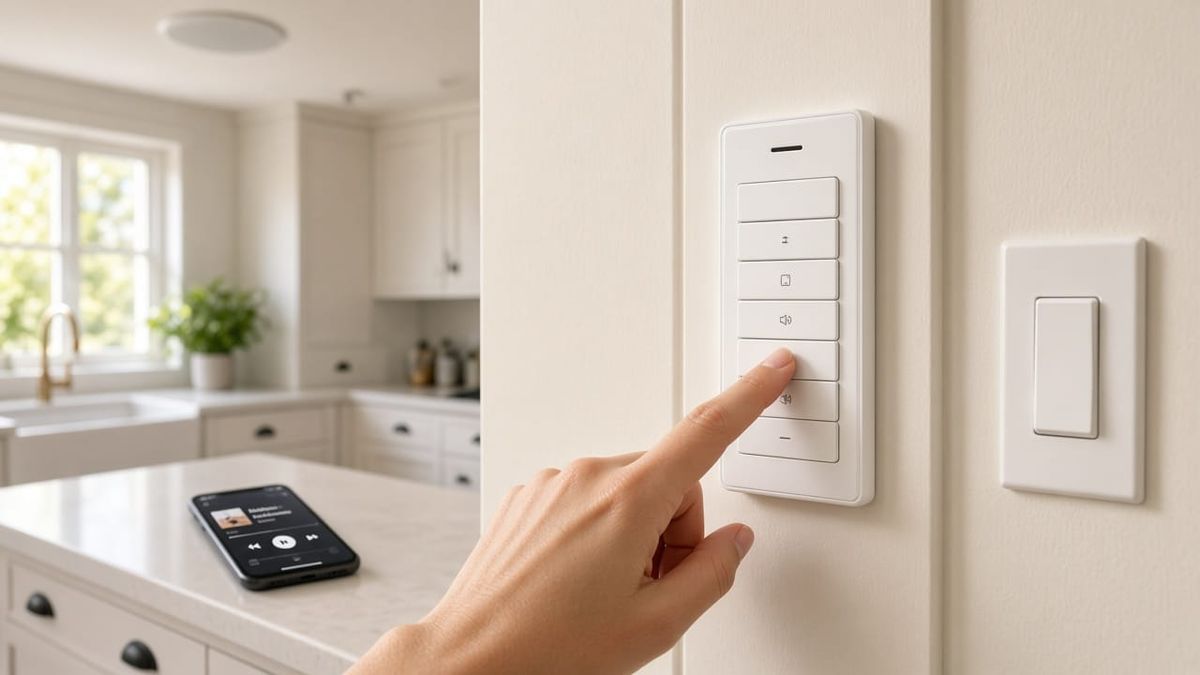
Whole-home audio sounds great on paper. Then the system goes in, and only one person in the house knows how to use it. Everyone else goes back to a Bluetooth speaker on the counter.
The fix isn't more speakers. It's planning how people will actually control the music before anything gets wired. For families around Marietta, Kennesaw, Woodstock, Canton, Roswell, and Alpharetta, here's how to make a multi-room system easy for everyone, from kids to grandparents to holiday guests.
New to multi-room audio? Start with our guide to whole-home audio, or see what's involved in adding audio to a finished home.
Why Control Matters More Than Specs
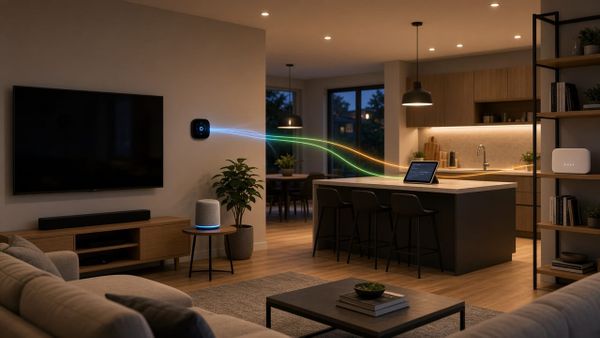
Most people judge a system by how easy it is to start music in the kitchen on a busy weeknight. If that takes three apps and a password, it won't get used. A good plan gives each person a way to control the music that fits how they live:
- A phone app for whoever likes full control
- A simple wall control for people who don't want to reach for a phone
- Voice control for hands-full moments in the kitchen or garage
- Phone casting so guests and teens can play their own music
You don't need all four. You do need to decide which ones matter for your household.
The App: Full Control for the Main User
Modern smart amplifiers are usually run from an app. From one screen you can pick a room, choose a music service, set the volume, and group rooms together. This is where you set things up the way you like, such as naming zones clearly ("Kitchen," "Patio," "Primary Bedroom") instead of "Zone 3."
Tip: put the app on more than one phone in the house. A system tied to one person's phone tends to sit quiet when that person isn't home.
Wall Controls for Everyone Else
Some people never want to open an app just to turn the music down. A volume control or keypad on the wall near the room's entry solves that. Turn the music on, turn it down, or turn it off, the same way you'd use a light switch.
Wall controls are most useful in rooms where the music runs a lot: the kitchen, a covered patio, a home gym, or a workshop. They also help older family members and kids who may not have the app. If you're building or renovating, it's easier to run wire for wall controls while the walls are open, but they can often be added in finished homes too.
Voice Control for Busy Hands
If your family already uses a smart speaker or voice assistant, many audio systems can work with it. Asking for music in the kitchen while you're cooking, or turning the patio down without walking inside, is often the feature people end up using most. Ask your installer which voice assistants your amplifier works with before you buy.
Let Guests and Teens Play Their Own Music
Built-in casting, such as AirPlay 2 on many smart amplifiers, lets someone send music from their phone to a room without logging into your account. That's handy for game-day gatherings, teens doing homework, or a visiting relative who wants their own playlist.
Think about guest access ahead of time. On many systems, anyone on your home Wi-Fi can cast to the speakers. If you'd rather keep that limited, a separate guest Wi-Fi network is a simple way to do it.
Groups and Favorites Save Time
The small setup steps make the biggest difference day to day:
- Room groups. Save "Downstairs" or "Kitchen + Patio" so one tap plays music in both.
- Favorites. Save the stations and playlists your family uses most so they're one tap away.
- Volume limits. Where the system supports it, cap the volume in kids' rooms or a nursery so nobody gets blasted.
- Default volumes. Set a reasonable starting level so music doesn't come on at last night's party volume.
Don't Forget the TV and Other Sources
Streaming music is only part of it. Ask whether your system can share other sources around the house, such as playing the TV's audio on the patio speakers during a game, or a turntable in the den playing through the kitchen. Some amplifiers have inputs for this, and planning for it up front saves headaches later.
A Reliable Network Keeps It All Working
Apps, casting, and voice control all depend on your home network. If Wi-Fi is spotty where the amplifier lives, the app will lag and music will drop out. A wired connection to the amplifier, and solid Wi-Fi in the rooms where people control the music, makes the whole system feel faster and more dependable.
Plan Your Whole-Home Audio With AlphaLVC
AlphaLVC is a local, licensed low-voltage contractor (Georgia license LVU406567) serving homes across Cobb, Cherokee, and North Fulton, including Marietta, Kennesaw, Acworth, Smyrna, Woodstock, Canton, Roswell, Alpharetta, Johns Creek, and Sandy Springs. We install in-ceiling, in-wall, and outdoor speakers with smart amplifiers, multi-zone app control, and AirPlay 2, and we'll help you choose controls that work for everyone in your home.
Call or text 470-295-5382 or email info@alphalvc.com to schedule a whole-home audio walkthrough. You can also visit alphalvc.com.